Turkey
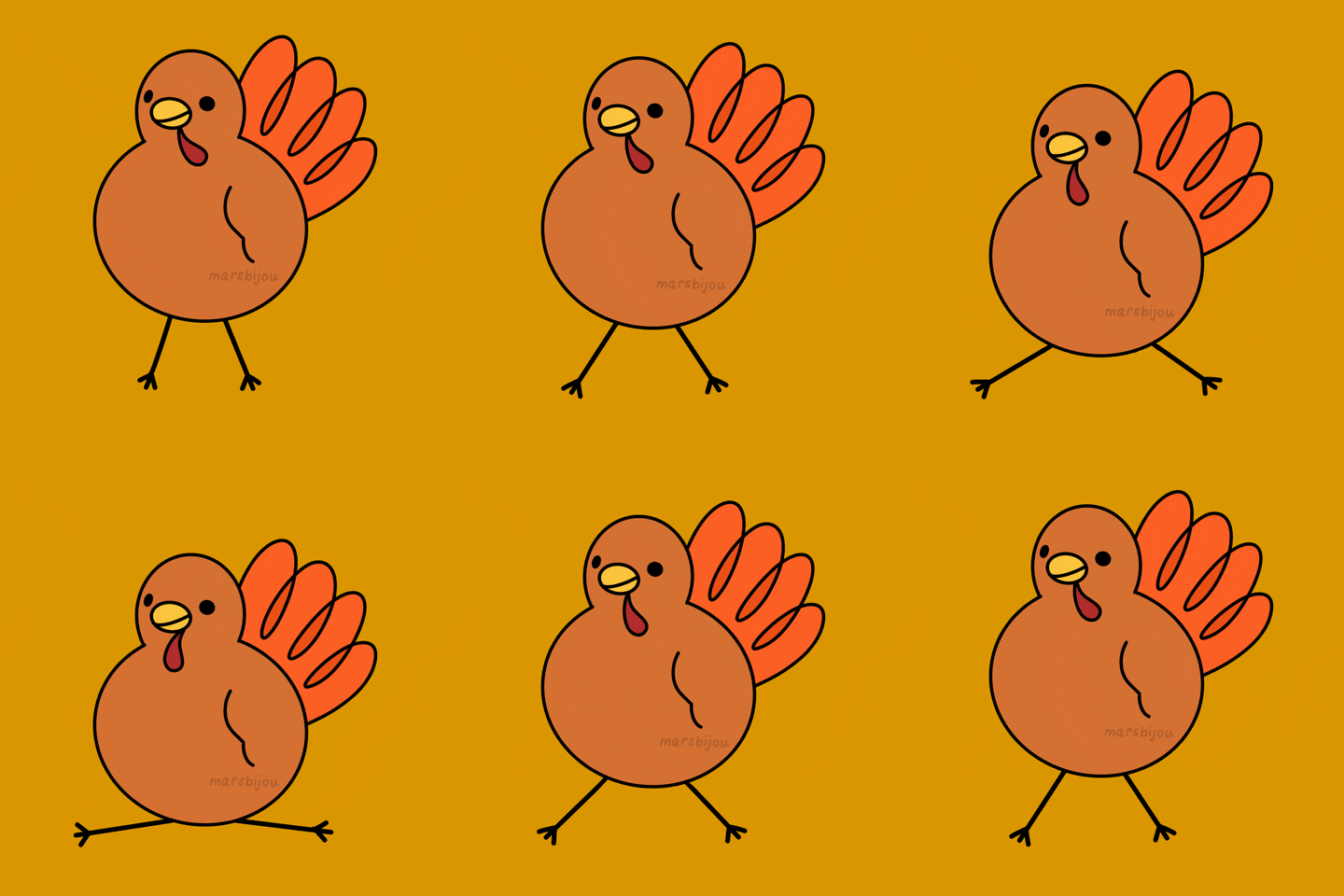
I will be creating an unrealistic turkey.


I'm going open the file in the add image to follow the photo as I model the turkey. Here is the link for the image you want to save as a jpeg Cute Baby Cartoon Turkey - Bing.

Move the box down and go to the wrench box to add a modifier.

Go to add modifiers and select subdivision surface.

Press S to scale the object.


Go to edit mode and select faces. Select the bottom face and move it up.

Create another cube.

Go to Add modifier and select Subdivision surface. Then change the view to 4 and scale the object.

Go to edit mode and scale the top and bottom faces.

Create the cube then go to the side view. Move the box to the side in front of the face. Offset the head a little in the front of the body.

Go to the front view and press the Z on the keypad for the wireframe. Select the cube then go to Add Modifier and select Subdivision Surface. Change the view to 4 and position the cube over the eye. Scale the cube.

Go to Edit Mode and select the face in the front of the cube. Move the face in.

Select object mode and rotate the cube. Move it if need it.

Switching the top view and the front view. Rotating and moving the eye into the position.

Shift D to duplicate the eye and move it over to the other side.


Create another cube and scale it. Go to add modifier and select the subdivision surface. Change the view to 4 and don't forget to save.

Go to edit mode and select the front face. Move in the face and then go to object mode. Rotate and move the little eye until it looks good.

Duplicate the little eye. Rotate and move the eye until it looks good.

I'm going to create a nose next. Create a cube and then scale it.

Go to add modifier and select subdivision surface. Go to edit mode and scale the top and bottom faces.

I fixed the beak the way I want it by rotating and moving the faces in the edit mode.


Go to add modifier and then select subdivision surface. Go to edit mode and select the faces to move and scale them.

I duplicated the wing and move it over to the other side. I rotated it and move the wing to match the position of the wing through the wireframe view on the side view window. Then I select the faces and moved them where wanted them.

I'm going to make a snood by extruding the top face several times.

I made the shape of the snood. I add subdivision surface to it.

Create a foot by extruding the face in the edited mode from the cube. Move-in the side toes in and do a little rotation.

Add subdivision surface and do view 4.

Duplicate Shift D the foot.

Select the front face of the cube and move it in.

Add subdivision surface to the cube. Scale and move the top and bottom faces.

Duplicate the feather. Scale and move the faces on each feather. Go to each object and hit apply.

Select each object and click smooth.

Add modifiers to each object and you are done. Don't forget to save the project.


Comments
Post a Comment